Please ask or send an email to Software & Website Developer Division for your account
Connect to Portal
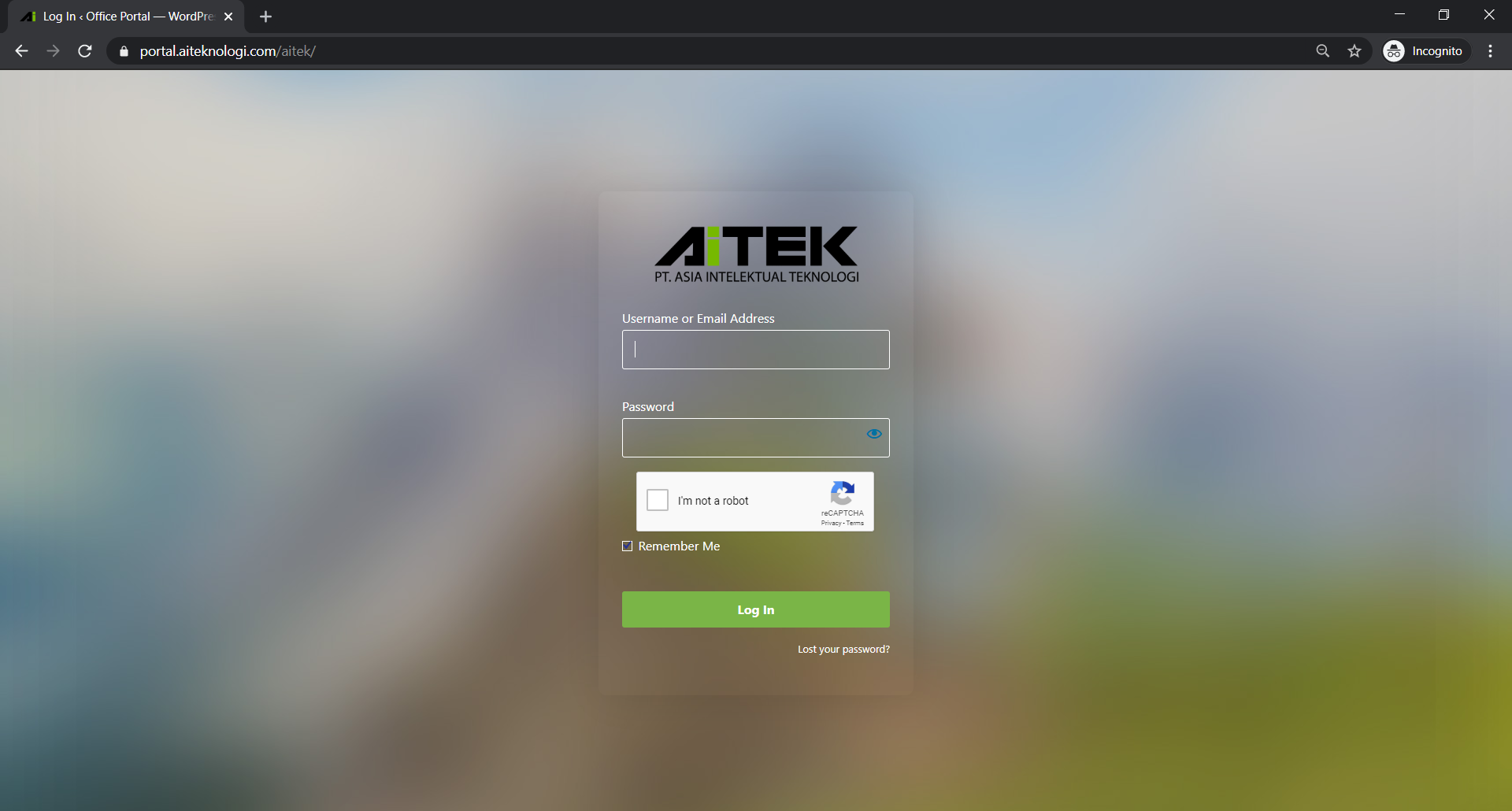
Portal login doesn’t different from any other website login process, so you might be familiar with this process already. If not, please follow instructions below. (Kalau ga ngerti bahasa Inggris, ada google translate dan belajar).
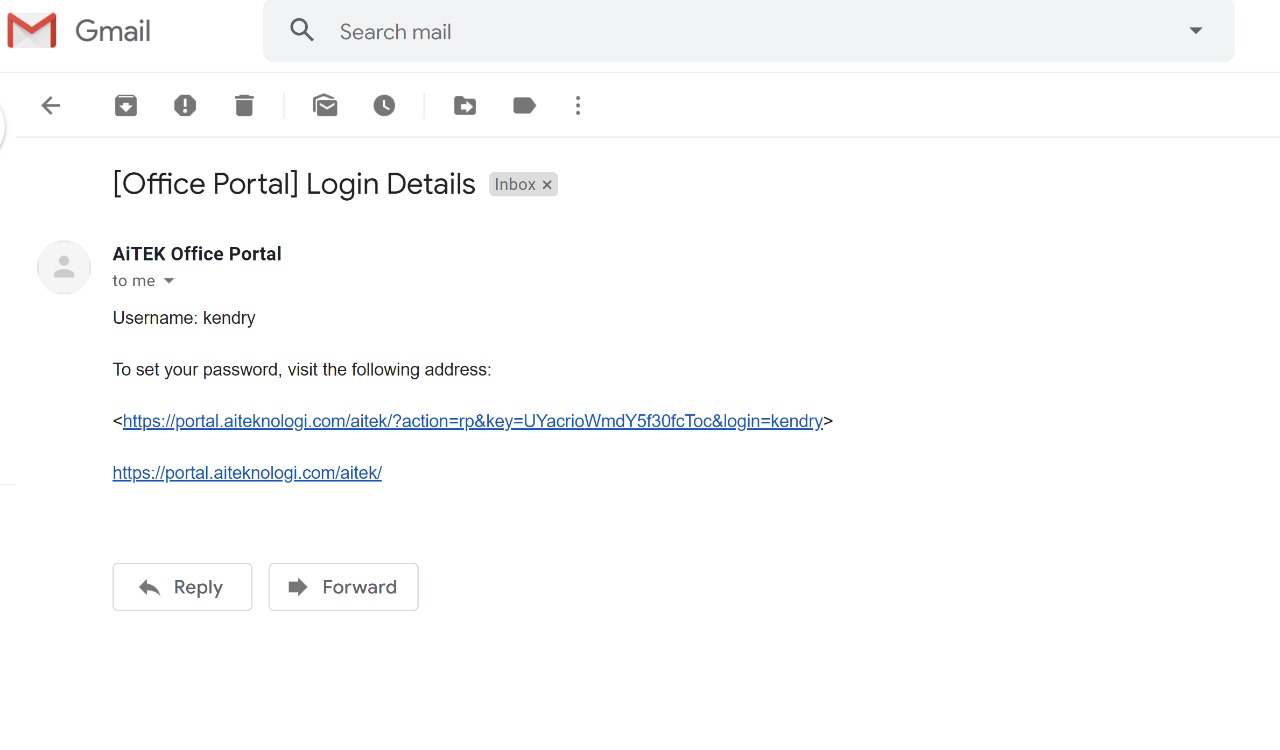
Openwelcoming email from portal.aiteknologi.com in your inbox
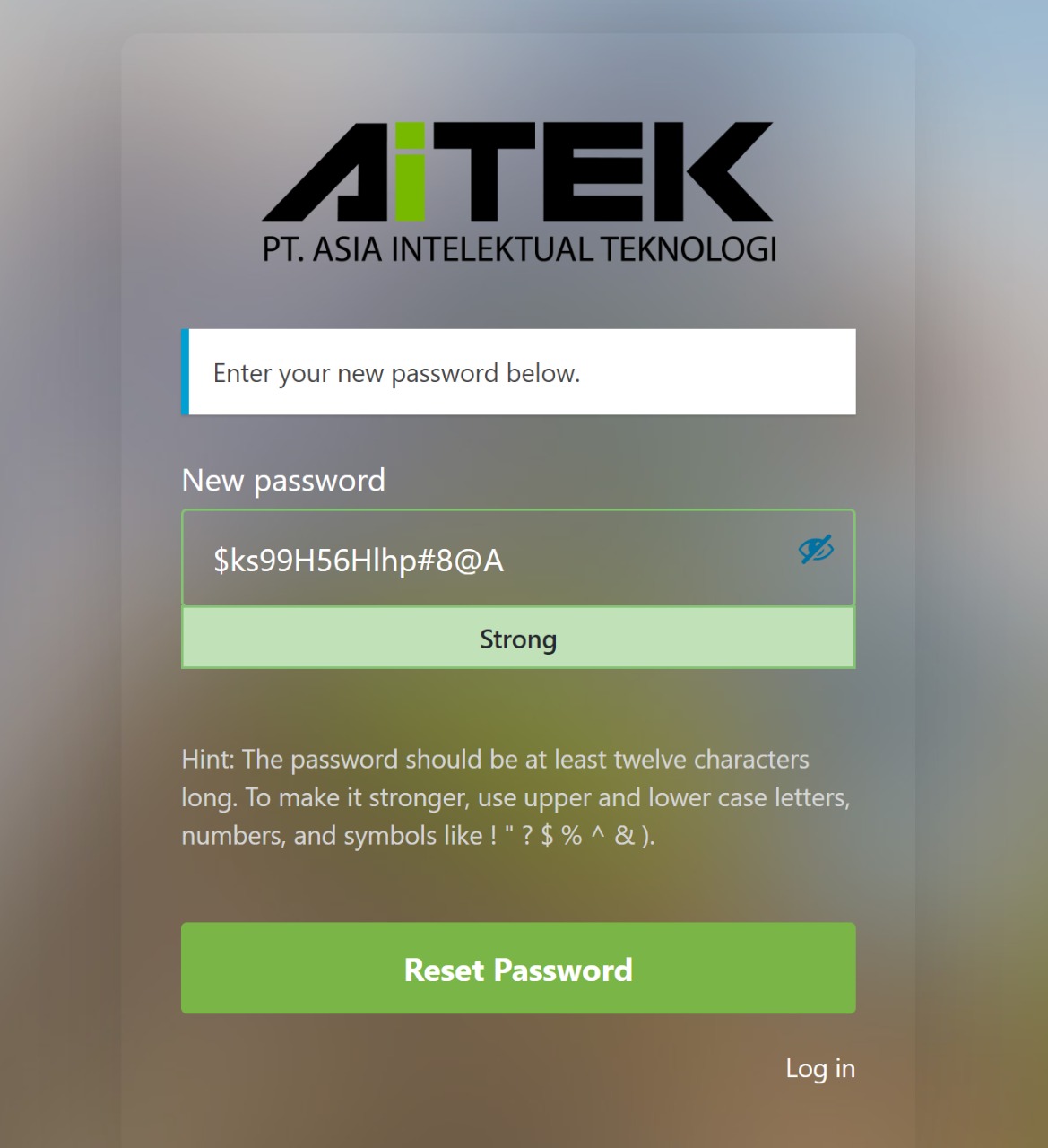
Clicklinkgiven and will take you to make your own password
Create password and try login with your created password
Remember your password
Please remember your password, but if you do, please use forgot password link. Do not contact Adminstrator if you are too lazy to click.
Create Project
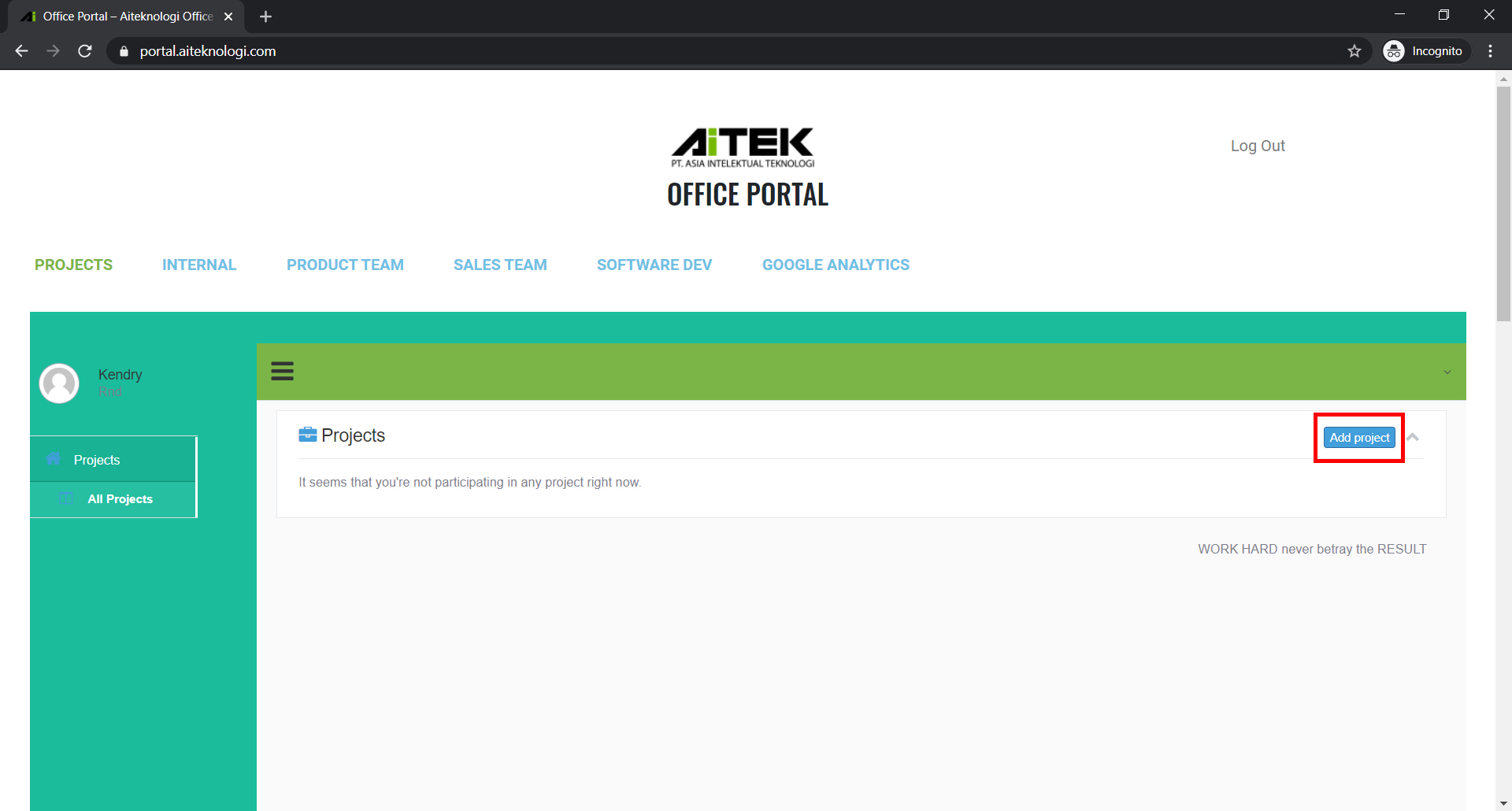
To make your job easier and countable, using this project manager you can see what project that you handle and task given from another division.
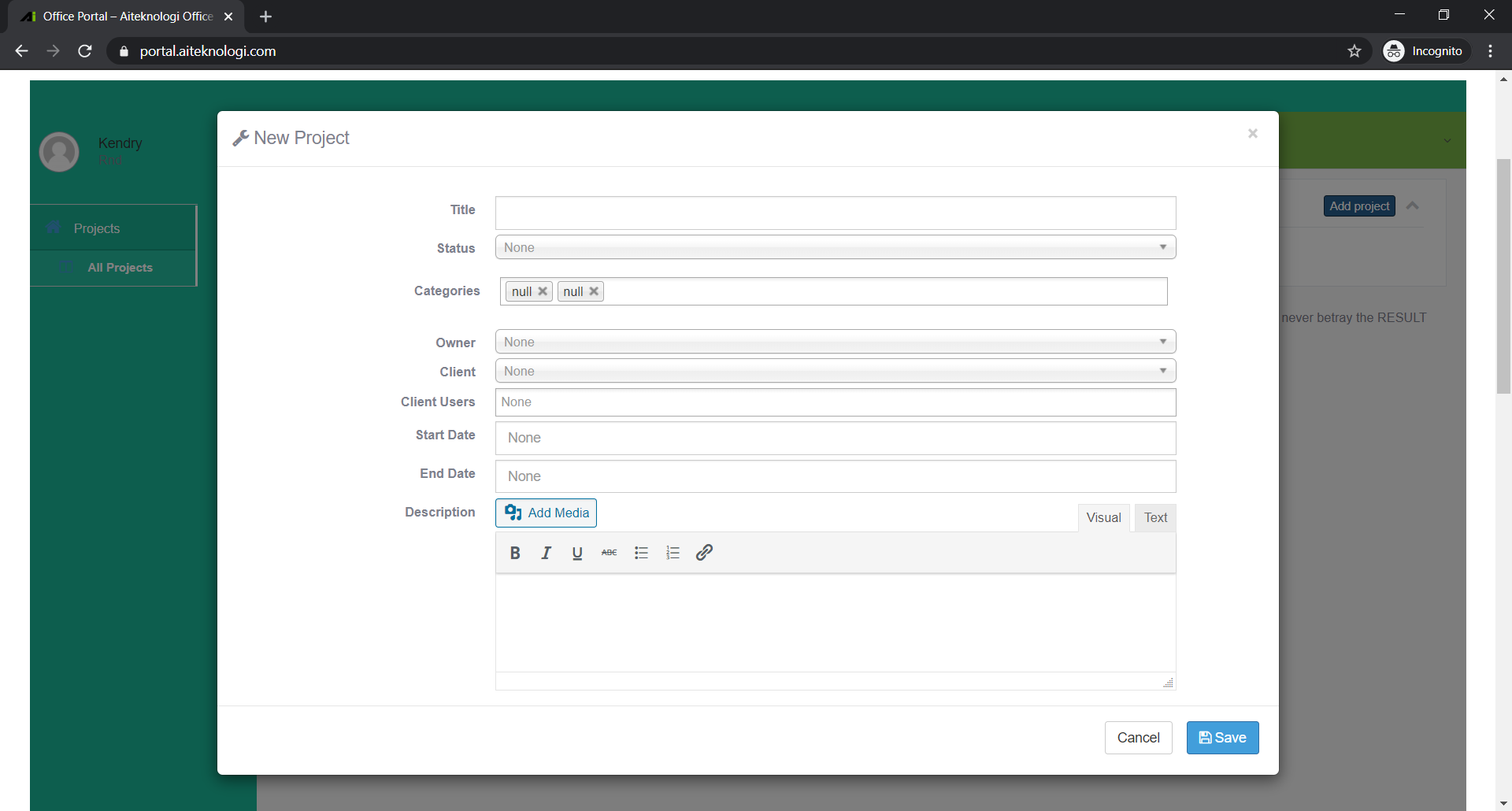
Click Create Project on the right top of Project Tab
Fill details of your project
Project Name
Status
On Progress
Overdue
Closed
Categories
Owner (Person in charge)
Client
Client user
Start Date
End Date
Description (Details about the project)
Save
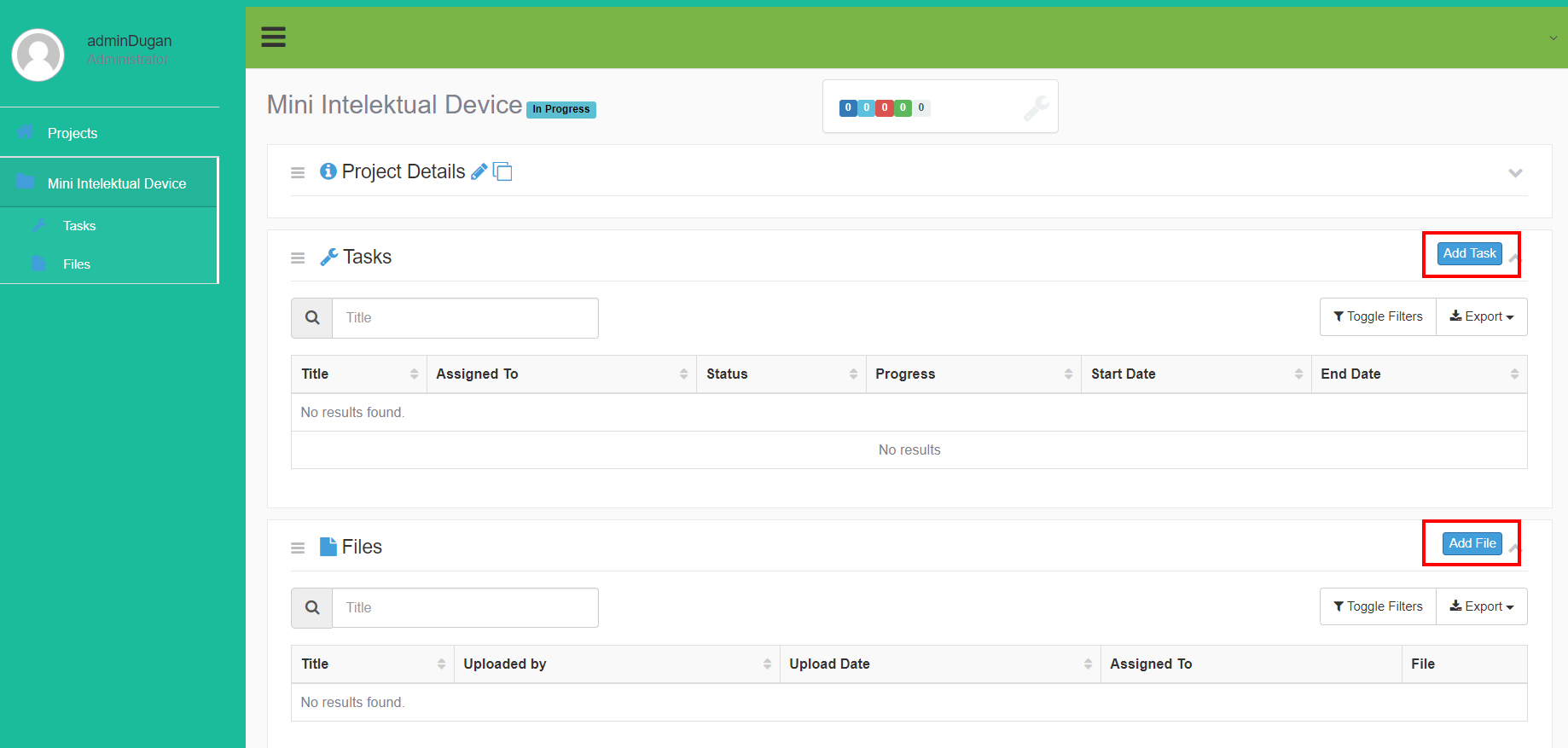
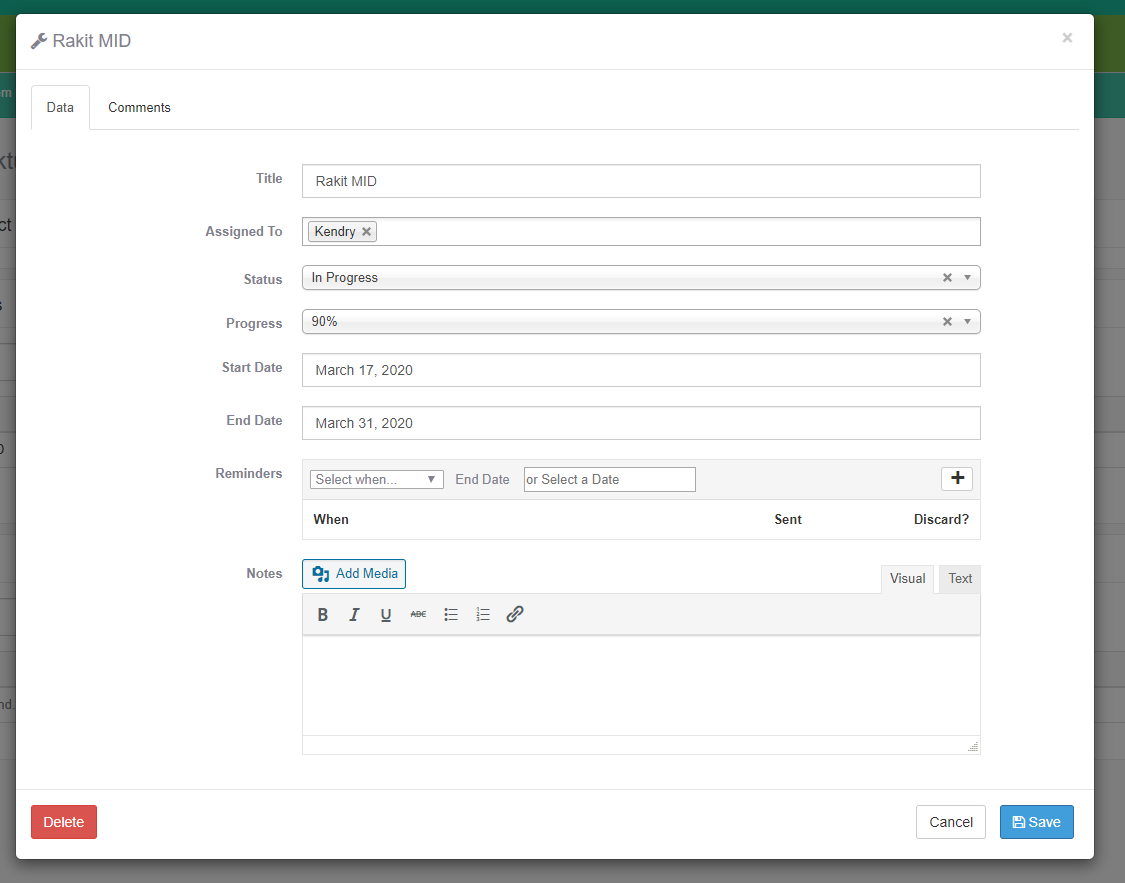
Click on project and create Tasks and click save
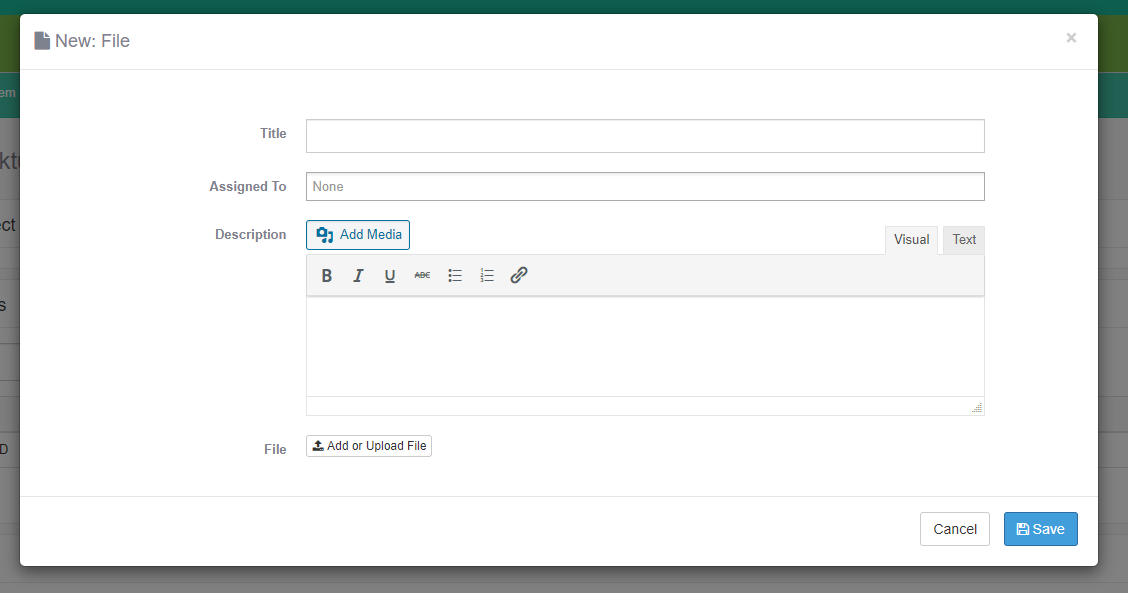
Add file if there is any
Using Folder
The other 4 tabs (Internal, Product Team, Sales Team, and Software Dev) is the same with Google Drive (Which it is really Google Drive tho).
Using those tabs just like you usually use, but everyone can see it everything now.
If there anything else, please contact me (You Know Who)